
On this page
- Step 1: make the goal specific
- Step 2: calculate each automatic transfer
- Step 3: choose the right account
- Step 4: schedule the transfer after payday
- Weekly, biweekly and twice-monthly pay
- Automating goals with irregular income
- Preventing goal overlap
- When to pause an automatic transfer
- Using raises and paid-off debts
- TFSA, FHSA and RRSP contribution room
- Roundups and behavioural automation
- A complete setup checklist
- Step 5: separate goals without creating chaos
- Step 6: review after major changes
- What to automate first
How to Automate Savings Goals in Canada
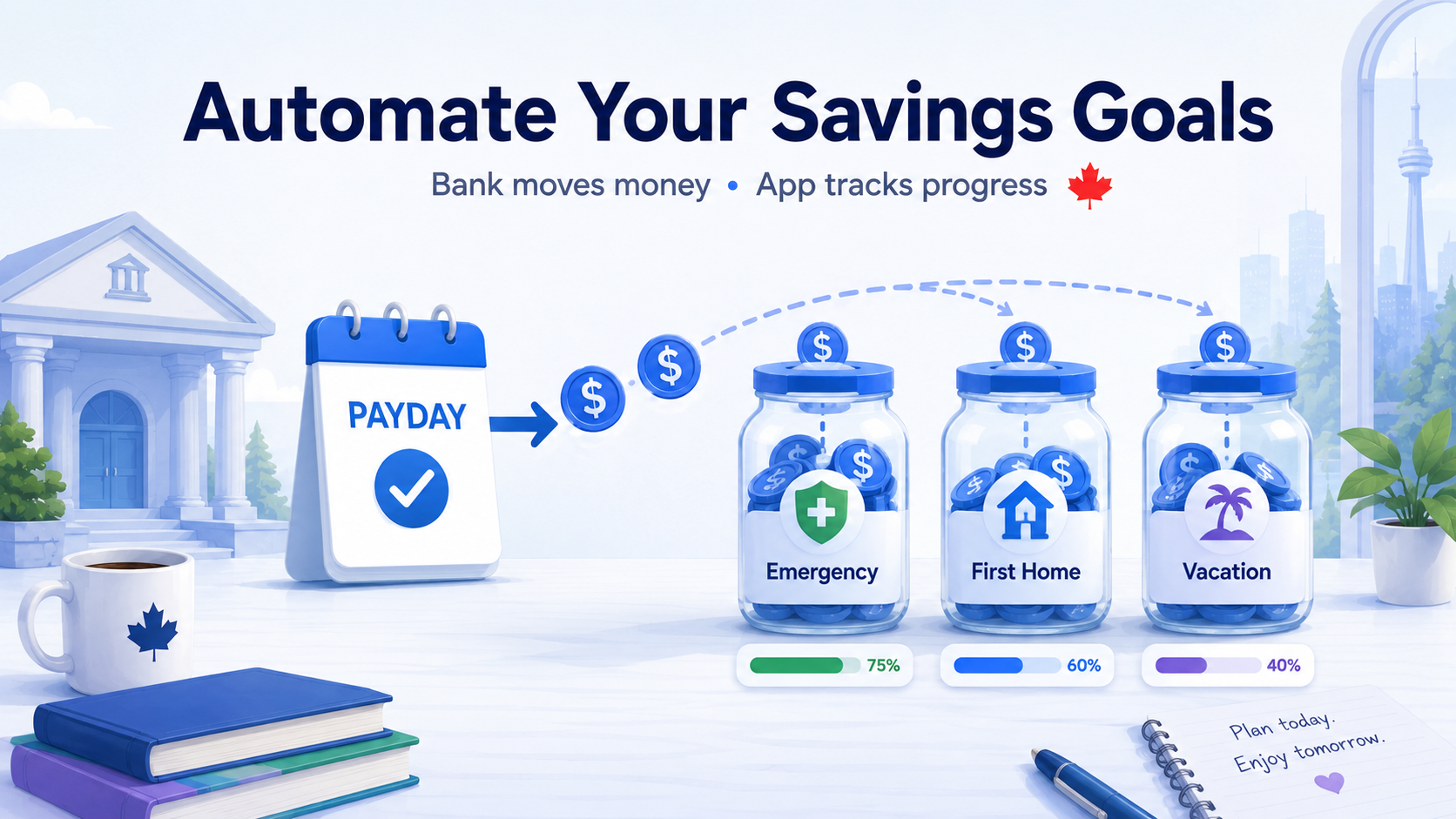
Saving becomes much easier when the decision happens once instead of every paycheque. Define the goal, calculate the amount per pay period and ask your financial institution to move the money automatically soon after income arrives.
Finnomia can track the target and progress. The bank or financial institution executes the recurring transfer; Finnomia does not sweep money between accounts.
Step 1: make the goal specific
A useful savings goal has:
- a dollar target;
- a deadline;
- a current balance; and
- a clear purpose.
“Save more” is difficult to automate. “Build a $12,000 emergency fund by August 2027” can be calculated.
Step 2: calculate each automatic transfer
Use:
(target − current balance) ÷ deposits remaining
Suppose you want $6,000 in 12 months, already have $1,200 and are paid twice monthly:
($6,000 − $1,200) ÷ 24 = $200 per paycheque
Or a smaller habit:
$50 × 24 deposits = $1,200 per year
Include interest as a bonus unless the rate is guaranteed. Building the plan around uncertain returns can leave you short.
Step 3: choose the right account
The account should match the goal’s timing and risk:
- Emergency fund: liquid savings, often a HISA or appropriate cash-based TFSA.
- Near-term purchase: cash or short-term guaranteed products.
- First home: an FHSA may provide tax benefits if eligible.
- Long-term retirement: TFSA, RRSP or other investment account based on your plan.
Do not chase investment returns with money needed on a fixed near-term date.
Step 4: schedule the transfer after payday
Set the transfer for the day income arrives or the following day. This gives the goal priority before flexible spending expands.
For biweekly pay, choose a biweekly transfer. That normally produces 26 deposits a year. For twice-monthly pay, use 24. Match the automation to the actual payroll calendar.
Keep enough in chequing to prevent overdraft or missed bills. Review the cash-flow forecast before increasing a transfer.
Weekly, biweekly and twice-monthly pay
Matching the transfer to payroll reduces friction, but the annual totals differ.
| Pay schedule | Typical deposits per year | Deposit needed for $5,200 annually |
|---|---|---|
| Weekly | 52 | $100 |
| Biweekly | 26 | $200 |
| Twice monthly | 24 | $216.67 |
| Monthly | 12 | $433.34 |
Confirm the actual employer schedule. Some years contain an extra weekly or biweekly pay date. Decide in advance whether that extra transfer remains part of the goal or is redirected elsewhere.
Automating goals with irregular income
A fixed transfer can cause overdrafts when income varies. Alternatives include:
- automate a small amount the lowest normal month can support;
- transfer a fixed percentage whenever income arrives;
- pay yourself a stable household amount from an income buffer; or
- make a monthly manual sweep using a preset priority list.
The rule can still be automatic in intent even if the final amount requires a monthly review.
Preventing goal overlap
One account can support several goals, but the allocations must reconcile to the actual balance.
Example:
| Goal | Allocated amount |
|---|---|
| Emergency fund | $8,000 |
| Home maintenance | $2,000 |
| Vacation | $1,500 |
| Total allocations | $11,500 |
If the savings account contains $10,000, the goals are over-allocated by $1,500. Either reduce the allocations, identify a second account backing them or acknowledge that one goal depends on money assigned to another.
When to pause an automatic transfer
Automation should reduce decisions, not ignore reality. Pause or reduce it when:
- the transfer would create an overdraft;
- required bills cannot be paid;
- high-interest debt is growing because of the transfer;
- income has fallen materially;
- the goal has already been funded; or
- the account receiving the money is no longer appropriate.
Resume with a specific trigger—a new job start, a debt payoff date or the next budget review—rather than leaving the pause indefinite.
Using raises and paid-off debts
Savings automation is easiest to increase before new spending absorbs freed cash.
- Direct part of a raise to the goal beginning with the first larger paycheque.
- When a loan ends, redirect some or all of the old payment.
- Increase the transfer after cancelling a recurring expense.
- Use a percentage of bonuses while preserving tax and short-term needs.
This creates progress without requiring the existing budget to shrink.
TFSA, FHSA and RRSP contribution room
An automatic contribution still uses registered-account room. Stop or redirect the transfer before reaching the limit.
- TFSA room is shared across every TFSA and can lag in CRA My Account.
- FHSA room begins only after opening and has annual, carry-forward and lifetime limits.
- RRSP contributions require deduction room even if the deduction will be deferred.
Finnomia’s room tracking is user-maintained; it does not receive official CRA balances. Reconcile automation against your own records.
Roundups and behavioural automation
Some institutions offer roundups that move the difference between a purchase and the next dollar amount. They can supplement a plan, but the amount is unpredictable and rises when spending rises.
Use a fixed or percentage-based transfer for deadline-critical goals. Treat roundups as an extra contribution rather than the amount the goal depends on.
A complete setup checklist
- Name the goal and deadline.
- Record the current balance.
- Calculate deposits remaining.
- Choose the account and investment risk.
- Match the transfer to payday.
- Confirm registered-account room.
- Leave enough chequing cash for upcoming bills.
- Review progress quarterly and after major changes.
Step 5: separate goals without creating chaos
You can use separate savings accounts, one account with internal buckets or a goal tracker that allocates portions of one balance. The key is avoiding double-counting.
If one $10,000 account backs both a $7,000 emergency fund and a $5,000 travel goal, the goals are over-allocated by $2,000 unless part of the money is intentionally shared.
Step 6: review after major changes
Recalculate when:
- income changes;
- the deadline moves;
- the target cost changes;
- you withdraw from the goal; or
- another priority becomes more urgent.
A quarterly review is usually enough for stable goals. Emergency funds and near-term deadlines deserve closer attention.
What to automate first
If cash is tight, use this order as a starting point:
- a starter emergency buffer;
- required debt payments;
- employer retirement matching, if available and appropriate;
- high-interest debt reduction;
- a full emergency fund; and
- other goals and investing.
Your order may differ, especially with an FHSA deadline, unstable income or expensive debt.
Finnomia’s goals, budgets and cash-flow forecasting let you see whether the planned transfer fits alongside bills and other priorities. Connected transactions can then show the savings balance moving toward the goal.
Continue with how many months to keep in an emergency fund or zero-based budgeting.